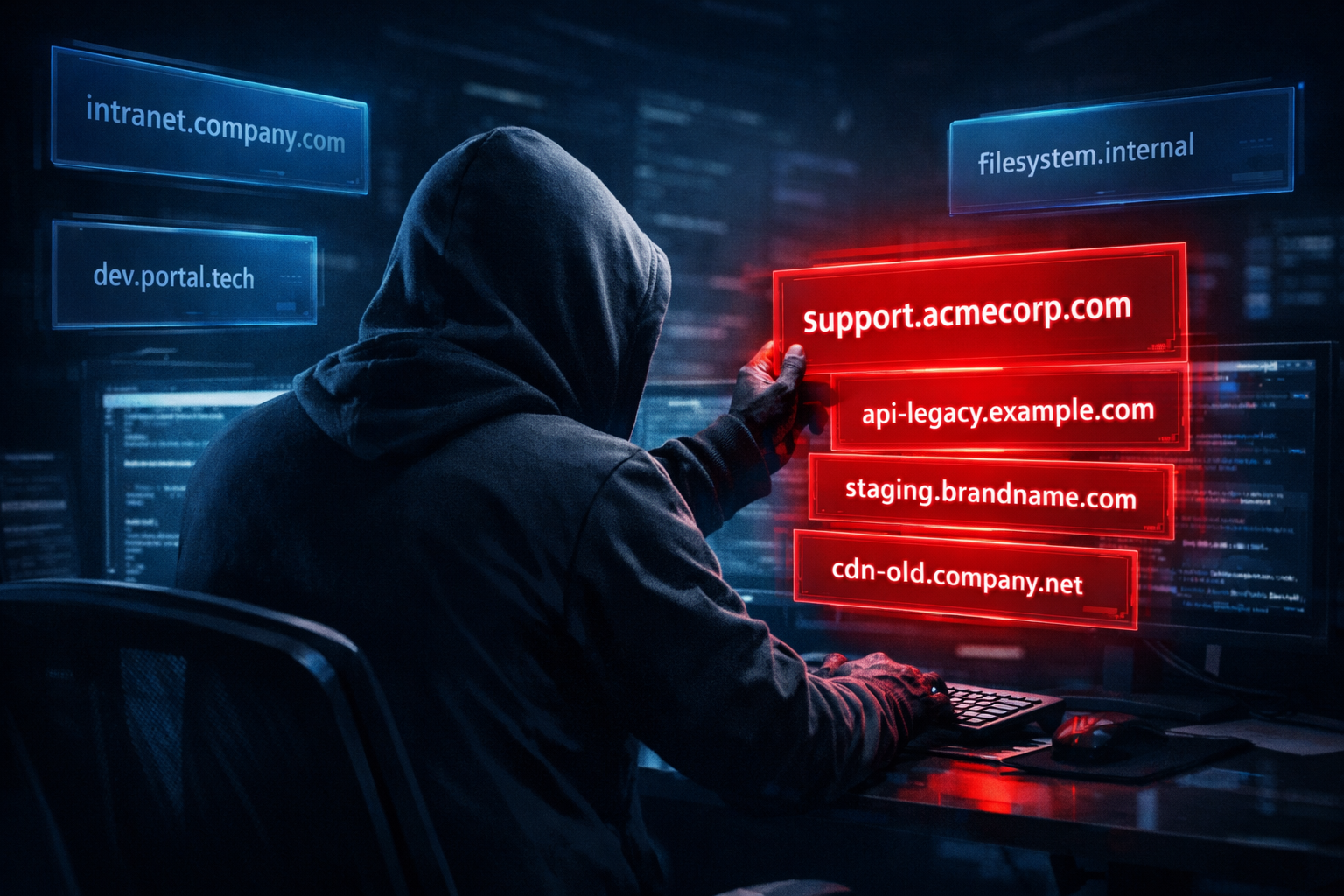
Your company's reputation is only as strong as its weakest subdomain. While organizations invest heavily in securing their main domains, forgotten subdomains have become a goldmine for attackers—and the consequences can be devastating.
In this post, we'll explore how subdomain hijacking works, examine recent attacks that affected major brands like Microsoft, VMware, and Cornell University, and show you practical steps to protect your domains.
What is Subdomain Hijacking?
Subdomain hijacking (also called subdomain takeover) occurs when an attacker gains control of a subdomain belonging to your organization. This typically happens when:
- Dangling DNS Records: A CNAME record points to a third-party service (AWS, Azure, Heroku, GitHub Pages) that has been decommissioned, but the DNS record wasn't removed
- Expired Services: A cloud resource is deleted but the DNS entry remains
- Misconfigured SPF Records: Email authentication records reference domains that can be claimed by attackers
Once an attacker claims the abandoned resource, they control content served from your subdomain—and users have no way to know it's compromised.
Real-World Attacks: The Damage is Real
The SubdoMailing Campaign (2024)
Perhaps the most alarming recent example is the "SubdoMailing" campaign discovered by Guardio Labs. Attackers hijacked over 8,000 legitimate domains and 13,000 subdomains from trusted brands to send 5 million malicious emails per day.
Victims included:
- MSN
- VMware
- McAfee
- Cornell University
- UNICEF
- CBS
- Marvel
- eBay
- NYC.gov
- Better Business Bureau
The attackers exploited dangling CNAME records and misconfigured SPF records to send phishing emails that bypassed spam filters—because the emails appeared to come from trusted domains.
Microsoft's Ongoing Vulnerability
Researchers at Keytos discovered that Microsoft Azure services create approximately 15,000 vulnerable subdomains every month. When organizations delete Azure resources without removing DNS records, attackers can claim those resources and serve malicious content under Microsoft-affiliated domains.
Security researcher findings revealed 670+ Microsoft subdomains were vulnerable to takeover at one point—belonging to Microsoft itself.
Government and University Targets
Certitude Consulting demonstrated the severity by taking control of subdomains belonging to:
- US, Canadian, UK, and Australian government organizations
- UCLA, Stanford, and University of Pennsylvania
- CNN
- Major cybersecurity firms
They identified over 1,000 organizations with vulnerable subdomains—and believe this is just the tip of the iceberg.
Uber's Close Call
In a well-documented case, security researcher Frans Rosén discovered that rider.uber.com was vulnerable because its CNAME record pointed to a non-existent Amazon CloudFront distribution. He was able to claim the distribution and could have served any content to Uber's users.
Why Subdomain Hijacking is So Dangerous
1. Inherent Trust
Users trust your domain. When they see support.yourcompany.com, they assume it's legitimate. Attackers exploit this trust for:
- Credential phishing
- Malware distribution
- Cryptocurrency scams
2. Email Authentication Bypass
Hijacked subdomains can bypass SPF, DKIM, and DMARC protections. Emails sent from compromised subdomains appear legitimate to email security systems.
3. Cookie Theft
Attackers can read cookies set on the parent domain, potentially stealing session tokens and authentication credentials.
4. Valid SSL Certificates
Attackers can obtain legitimate SSL certificates for hijacked subdomains using DNS validation (like Let's Encrypt's DNS-01 challenge), making phishing sites appear completely legitimate.
5. Supply Chain Attacks
SentinelOne research from October 2024 to January 2025 found attackers targeting deleted AWS S3 buckets used in CI/CD pipelines. They received 8 million requests for software updates, container images, and even SSLVPN configurations—all from abandoned buckets they had claimed.
Services Most Vulnerable to Subdomain Takeover
When you create resources on these platforms, a subdomain is automatically assigned. If you delete the resource but keep the DNS record, attackers can claim it:
| Service | Domain Pattern | Risk Level |
|---|---|---|
| AWS S3 | *.s3.amazonaws.com | High |
| AWS CloudFront | *.cloudfront.net | High |
| Azure App Service | *.azurewebsites.net | High |
| Azure Traffic Manager | *.trafficmanager.net | High |
| GitHub Pages | *.github.io | Medium |
| Heroku | *.herokuapp.com | Medium |
| Shopify | *.myshopify.com | Medium |
| Zendesk | *.zendesk.com | Medium |
| Fastly | *.fastly.net | Medium |
How to Protect Your Domains
1. Audit Your DNS Records Regularly
Create an inventory of all subdomains and their purposes. Use tools like:
digornslookupfor manual checks- Subdomain enumeration tools like OWASP Amass
- Guardio's SubdoMailing Checker to check if your domains are compromised
# Example: Check CNAME records for your domain
dig CNAME subdomain.yourdomain.com
2. Follow the Correct Order for Provisioning/Deprovisioning
When creating resources:
- Create the cloud resource first
- Add the DNS record last
When removing resources:
- Remove the DNS record first
- Delete the cloud resource last
3. Remove Dangling DNS Records Immediately
When you decommission a service, remove the DNS record before or immediately after deleting the resource. Add "DNS cleanup" to your decommissioning checklist.
4. Use Domain Verification Tokens
Many cloud providers now offer domain verification:
- Azure: Create a
asuid.{subdomain}TXT record with your Domain Verification ID - AWS: Use Route 53 health checks
- GitHub Pages: Verify domain ownership in repository settings
5. Monitor Your Attack Surface
Use External Attack Surface Management (EASM) tools to continuously monitor for:
- New subdomains
- DNS changes
- Dangling records
- Unauthorized takeovers
SentinelOne reports alerting clients to over 1,250 subdomain takeover risks in the past year.
6. Implement DNS Security Best Practices
- Registry locks: Prevent unauthorized DNS changes
- DNSSEC: Cryptographically sign your DNS records
- CAA records: Restrict which CAs can issue certificates for your domain
- MFA on registrar accounts: Protect your DNS management access
7. Review SPF Records
Ensure your SPF records don't include domains you don't control:
v=spf1 include:suspicious-domain.com ~all # Dangerous if you don't own this!
How LockIP Protects Against Subdomain Hijacking
At LockIP, we've built protections directly into our DNS management platform:
Domain Ownership Verification
Before you can manage DNS for any domain, you must prove ownership by adding a unique TXT record. This prevents unauthorized users from hijacking your subdomains.
Controlled DNS Record Management
All DNS changes go through our authenticated API, with full audit logging of who made what changes and when.
Secure Certificate Issuance
Our SSL certificate management requires zone ownership verification before issuing certificates—attackers can't obtain certificates for domains they don't control.
Rate Limiting
We limit verification attempts to prevent brute-force attacks on the domain verification process.
Conclusion
Subdomain hijacking is a growing threat that affects organizations of all sizes—from startups to Fortune 500 companies and government agencies. The SubdoMailing campaign proved that attackers are industrializing these attacks at scale.
The good news? These attacks are preventable with proper DNS hygiene:
- Audit your DNS records regularly
- Remove dangling records immediately when decommissioning services
- Use domain verification features offered by cloud providers
- Monitor your external attack surface continuously
- Implement DNS security best practices (DNSSEC, CAA, registry locks)
Don't let a forgotten CNAME record become your next security incident.